Introduction
An enterprise website accessibility and compliance checklist helps teams identify whether a website can be understood, navigated, used, maintained, and reviewed by a broad range of users before launch. It also helps expose delivery risks that are easy to miss when teams focus only on visual design or technical completion.
For Saudi organizations, the review may need to cover Arabic and English experiences, RTL layouts, mobile journeys, lead forms, service information, downloadable documents, analytics, integrations, and different internal owners. A website that looks complete can still create barriers if its headings are unclear, forms are difficult to use, important information exists only in images, or Arabic pages are treated as an afterthought.
This checklist is a practical planning and QA aid. It is not legal advice or a certification. Specific regulatory, contractual, sector, privacy, and security requirements should be confirmed with the relevant specialists.
What enterprise website accessibility includes
Accessibility is the practice of making digital content and functionality usable by more people, including people who use keyboards, screen readers, zoom, captions, or alternative input methods. It covers more than colour contrast.
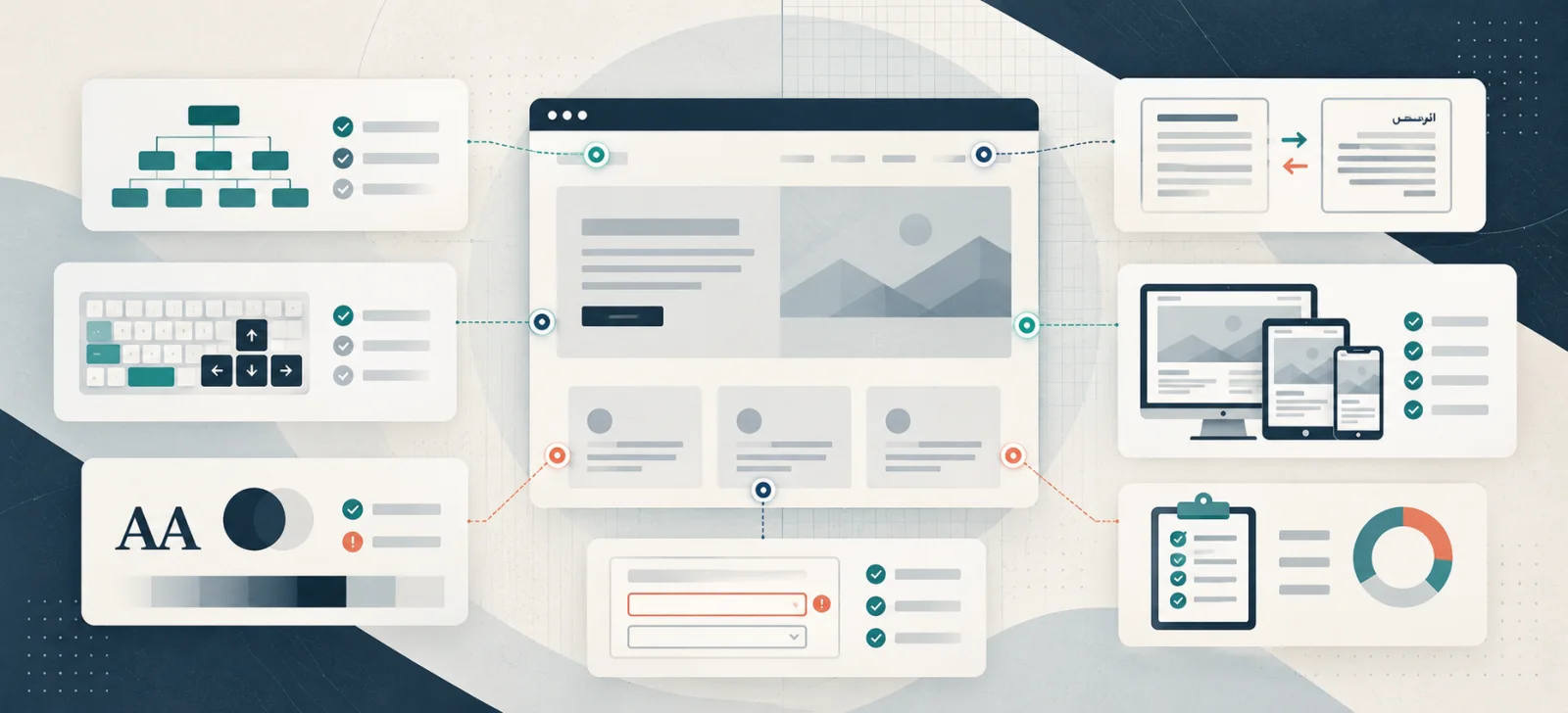
An enterprise review should consider page structure, navigation, links, forms, error handling, images, documents, language, mobile layouts, content clarity, interactive components, and the way the CMS allows teams to maintain those standards. The W3C Web Content Accessibility Guidelines provide an important technical reference, but the correct testing and conformance approach depends on the project.
Why accessibility should start before launch
Late accessibility reviews are expensive because they often reveal problems in templates, design systems, content models, forms, or component behaviour. A team may need to rebuild a navigation pattern, rewrite content, change colour tokens, replace a document, or rework error handling when the site is already close to release.
Early planning is more efficient. Accessibility requirements can be included in user journeys, wireframes, component specifications, content guidance, development acceptance criteria, and QA scripts. It also gives procurement and leadership teams clearer evidence about what was tested and what remains open.
Enterprise accessibility checklist
Structure and navigation
- Each page has a logical heading hierarchy.
- The page title describes the actual purpose of the page.
- Navigation labels are clear and consistent.
- Links describe their destination rather than using vague text such as “click here”.
- Keyboard users can reach and operate important controls.
- Focus states remain visible.
- Skip links or equivalent navigation aids are considered where appropriate.
- Menus, accordions, tabs, carousels, and modals have understandable states.
Content and media
- Important information is available as text and is not communicated only through colour or an image.
- Body copy is readable, direct, and free from unnecessary jargon.
- Images have meaningful alternative text when they convey information.
- Decorative images are handled so they do not add noise for assistive technology.
- Videos, audio, charts, and documents have appropriate alternatives where needed.
- Downloadable PDFs and other files are reviewed rather than assumed to be accessible.
- Calls to action explain what happens next.
Visual design and responsive behaviour
- Text and controls have sufficient contrast for the intended use.
- Text can be enlarged without making core content unusable.
- Layouts remain understandable on mobile and desktop.
- Touch targets are practical to use.
- Motion, autoplay, and animation do not create avoidable barriers.
- Error, success, hover, and focus states are visible and understandable.
Forms and conversion journeys
- Every field has a clear label.
- Required fields are identified in a usable way.
- Instructions appear before users need them.
- Validation messages identify the problem and explain how to fix it.
- Form errors do not erase information unnecessarily.
- Keyboard navigation follows a sensible order.
- Confirmation messages explain what happens next.
- Contact, recruitment, and lead data are routed to the correct owner.
Arabic-English and Saudi-specific checks
For a bilingual Saudi website, accessibility includes the relationship between both language experiences. Arabic pages should not be treated as simple copies of English pages.
Check that:
- Arabic and English content is accurate and appropriate for its audience.
- Language switching is visible, predictable, and reversible.
- Arabic pages use correct RTL direction and are tested at different screen sizes.
- Icons, arrows, forms, tables, breadcrumbs, and carousels behave correctly in RTL.
- Arabic typography remains readable and does not create unexpected wrapping.
- Headings, metadata, internal links, and calls to action are reviewed in both languages.
- The same task can be completed without a broken or incomplete language path.
- Analytics and search reporting can distinguish language-specific issues.
For public-sector projects, review the relevant Digital Government Authority web accessibility resources alongside the project requirements. Government guidance should be checked for the specific project and should not be converted into a generic compliance claim.
Technical, privacy, and governance review
Accessibility sits alongside other delivery controls. The review should confirm that the CMS, plugins, integrations, permissions, and publishing process can preserve quality after launch.
Review:
- CMS roles and publishing approvals.
- Template and component ownership.
- Security updates and plugin governance.
- Form processing, data routing, and privacy notices where applicable.
- Analytics and consent configuration where applicable.
- Page speed and Core Web Vitals.
- Mobile usability and browser coverage.
- Metadata, structured data, and indexability.
- Backups, rollback, monitoring, and incident ownership.
- A documented process for logging and fixing accessibility issues.
The broader ownership model should connect with enterprise website governance, while project teams can use the enterprise website project checklist to coordinate planning, content, technical delivery, and launch review.
How to test before launch
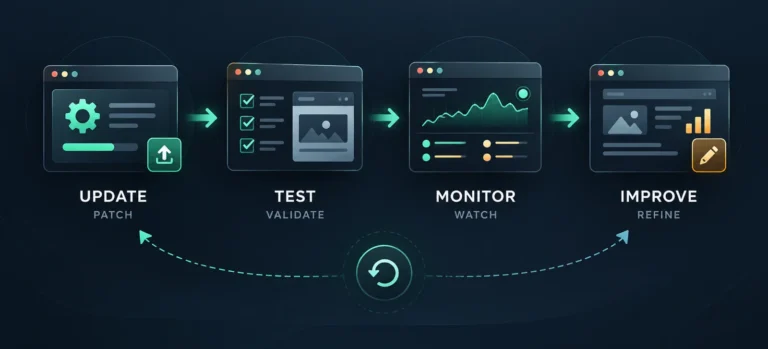
Automated tools can identify useful patterns, but they cannot replace human review. A practical test cycle should combine automated scans with keyboard navigation, zoom testing, mobile testing, screen-reader checks where appropriate, content review, form testing, and representative task journeys.
Record each issue with its URL, component or journey, severity, evidence, owner, recommended fix, and retest status. This makes accessibility part of normal delivery management rather than a vague final approval.
The test should cover templates as well as individual pages. Fixing a shared component may resolve many pages; fixing a one-off content problem may require an editorial owner. Both types of work should be tracked separately.
Post-launch governance checklist
Accessibility and compliance-related quality can decline after publication when new pages, campaigns, plugins, documents, or integrations are added. Assign an owner and repeat the review at a sensible cadence.
- Review new templates and pages before publication.
- Monitor broken links, form errors, and failed journeys.
- Recheck mobile layouts after major changes.
- Maintain plugins, components, integrations, and documents.
- Review high-traffic and high-conversion pages regularly.
- Track open issues and recurring causes.
- Re-test Arabic and English experiences after structural changes.
- Keep evidence of decisions, fixes, and exceptions.
- Update the checklist when the website or applicable guidance changes.
Element8 Insight
Accessibility and compliance are strongest when they are built into research, content, design systems, CMS workflows, development, and QA from the beginning. Treating them as a final visual check usually creates rework and leaves ownership unclear.
Organizations planning a new enterprise website, redesign, or platform modernization project can review Element8 Saudi enterprise web development. The delivery scope should be based on the organization’s users, languages, integrations, governance model, risk profile, and ongoing maintenance needs.
FAQs
What is website accessibility?
Website accessibility means designing and managing a website so more users can perceive, understand, navigate, and interact with its content and functionality.
What should an enterprise website accessibility checklist include?
It should include page structure, navigation, contrast, content, images, forms, mobile behaviour, Arabic-English UX, documents, testing, CMS workflows, and post-launch ownership.
Why should accessibility be considered before launch?
Early planning reduces rework because accessibility requirements can be included in journeys, templates, components, content standards, development criteria, and QA before the site is released.
Is accessibility only a design issue?
No. It also involves content, development, forms, images, documents, navigation, mobile behaviour, language, CMS permissions, testing, and ongoing governance.
How can enterprises maintain accessibility after launch?
Assign ownership, review new pages before publication, test important journeys periodically, monitor errors, maintain templates and integrations, and document fixes and recurring issues.